自定义图块类型
本页记录的是仅供 Source 和 Studio 版许可持有者使用的引擎内部代码。
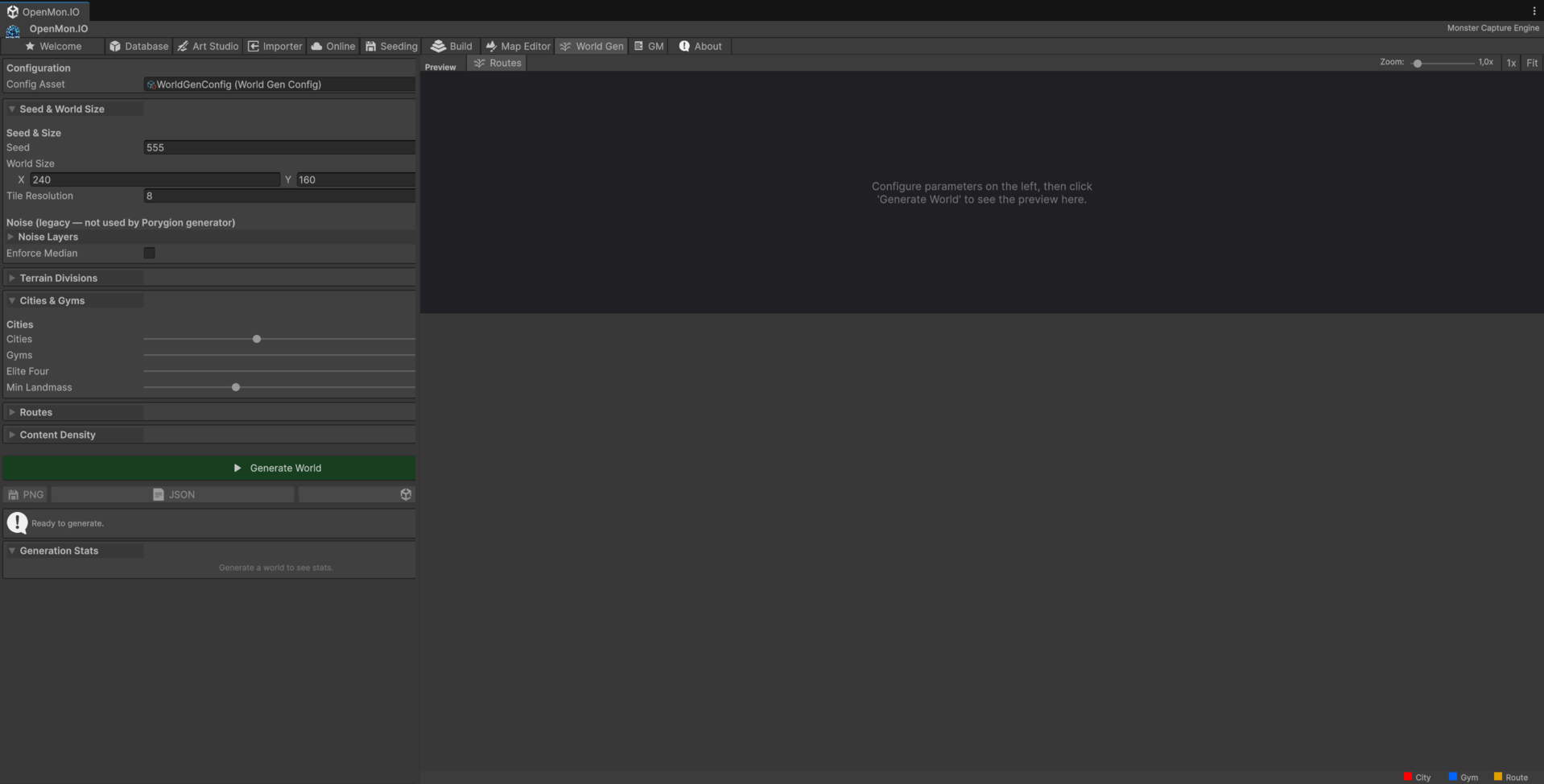
图块也是数据:下面的生成器写入的,正是你会手工绘制的同样的瓦片地图资产。
MCE 使用 Unity 的 Tilemap 系统,并带有一个自定义数据层,把每个图块资产映射到一种移动类型和一个战斗场景设定。本页涵盖图块系统的架构,以及如何用自定义的图块行为来扩展它。
架构概览
图块系统有三层:
TileType枚举 —— 为GridController定义移动语义。TileData/SingleTileData—— 一个 ScriptableObject 数据库,把每个TileBase资产映射到一个TileType和一个BattleScenario。- 图块行为 —— 放置在图块 GameObject 上的 MonoBehaviour 组件,实现
ICharacterInteractingTile或ITileTypeOverride以添加运行时逻辑。
TileBase (Unity asset)
  └─ registered in TileData ─► SingleTileData { Tile, TileType, BattleScenario }
  └─ instantiated object ─► MonoBehaviour(s) implementing ICharacterInteractingTile
TileType 枚举
位于 Assets/OpenMon/Core/Runtime/World/TileType.cs:
public enum TileType
{
    NonExistent,        // Tile has no data -- treated as void
    Walkable,           // Normal ground the player can traverse
    NonWalkable,        // Solid obstacle (walls, trees, rocks)
    Jumpable,           // Ledge the player can jump over (one-way)
    Bridge,             // Bridge surface (layered above water)
    BridgeEntrance,     // Transition tile between ground and bridge
    Water,              // Swimmable/surfable water
    Waterfall,          // Vertical water the player can climb
    Slippery,           // Ice -- forces movement until hitting an obstacle
    WalkableNotBikable  // Walkable on foot but not on a bicycle
}
GridController.GetTypeOfTileDirectlyBelowSortOrder() 通过从排序顺序最高到最低扫描瓦片地图,先检查 ITileTypeOverride 组件,再回退到 TileData 查找,来解析任意世界位置的有效类型。
添加新的 TileType 值
- 把你的值添加到
TileType枚举中(例如Quicksand)。 - 在
MCECharacterController的移动逻辑中处理它(按图块类型分支的 switch/if 块)。 - 在 Inspector 中把该类型的图块注册到
TileData资产中。
TileData 系统
TileData(Assets/OpenMon/Core/Runtime/World/TileData.cs)是一个保存项目中所有图块的 ScriptableObject:
[CreateAssetMenu(menuName = "MCE/Maps/TileData", fileName = "TileData")]
public class TileData : OpenMonScriptable<TileData>
{
    [SerializeField]
    private List<SingleTileData> TileDataCollection = new();
}
每个条目是一个 SingleTileData:
[Serializable]
public class SingleTileData
{
    public TileBase Tile;            // Reference to the Unity tile asset
    public TileType Type;            // Movement semantics
    public BattleScenario BattleScenario;  // Visual theme for battles on this tile
}
编辑器工具
TileData 公开了若干 Inspector 按钮(通过 NovaInspector 的 [Button]):
| 按钮 | 用途 |
|---|---|
| AddGroup | 批量添加一组具有相同类型和战斗场景设定的图块 |
| Populate | 扫描项目中所有 TileBase 资产,并添加缺失的(标记为 NonExistent) |
| CheckInvalid | 为仍标记为 NonExistent 或缺少 BattleScenario 的图块记录错误 |
| RemoveColliders | 从所有 RuleTile 条目中去除物理碰撞体(MCE 使用自己的网格碰撞) |
| RemoveNulls | 清理图块资产已被删除的条目 |
查找性能
TileData 使用在首次访问时填充的 Dictionary<TileBase, SingleTileData> 缓存。未知的图块只会记录一次警告(通过 missingTileCache),并被视为可行走。
SiblingTile(与相邻图块连接的自动图块)
SiblingTile(Assets/OpenMon/Core/Runtime/World/Tiles/SiblingTile.cs)扩展了 Unity 的 RuleTile,以支持在视觉上与其他图块类型连接的图块 —— 例如,融入泥土的草地图块,或与道路图块汇合的小径。
[CreateAssetMenu(menuName = "2D/Tiles/SiblingTile", fileName = "SiblingTile")]
public class SiblingTile : RuleTile<SiblingTile.Neighbor>
{
    [SerializeField]
    private List<TileBase> Siblings = new();

    [SerializeField]
    private bool DefaultIncludesSibling = true;

    public class Neighbor : RuleTile.TilingRule.Neighbor
    {
        public const int Sibling = 3;  // Custom neighbor constant
    }
}
工作原理
SiblingTile 在 Unity 内置的 “This” 和 “Not This” 之外,添加了第三种邻居匹配模式:
| 邻居值 | 含义 |
|---|---|
Sibling (3) | 如果相邻图块在 Siblings 列表中则匹配 |
Not This (2) | 当 DefaultIncludesSibling 为 true 时,同样排除兄弟图块 |
| 默认 (1 / 其他) | 当 DefaultIncludesSibling 为 true 时,兄弟图块也作为 “This” 匹配 |
RuleMatch 的重写:
public override bool RuleMatch(int neighbor, TileBase tile) =>
    neighbor switch
    {
        Neighbor.Sibling => Siblings.Contains(tile),
        2 => DefaultIncludesSibling && !Siblings.Contains(tile) && base.RuleMatch(neighbor, tile),
        _ => (DefaultIncludesSibling && Siblings.Contains(tile)) || base.RuleMatch(neighbor, tile)
    };
创建 SiblingTile
- 在 Project 窗口中右键点击并选择 2D > Tiles > SiblingTile。
- 在 Inspector 中像标准 RuleTile 一样设置平铺规则。
- 在 Siblings 列表中,拖入这个图块应当与之连接的图块资产。
- 如果默认的绿色箭头(邻居 = “This”)也应当匹配兄弟图块,请启用 DefaultIncludesSibling。这是地形融合最常见的设置。
- 当你需要只在兄弟相邻时触发的规则时,在平铺规则中使用 Sibling 邻居常量。
图块行为接口
ICharacterInteractingTile
需要在运行时与角色交互的图块实现 ICharacterInteractingTile。MCECharacterController 会在移动期间调用这些钩子:
public interface ICharacterInteractingTile
{
    bool HasBlockingInteraction();

    // Async (coroutine) hooks -- called during movement animation
    IEnumerator CharacterAboutToEnterTileAsync(MCECharacterController controller);
    IEnumerator CharacterEnterTileAsync(MCECharacterController controller);
    IEnumerator CharacterAboutToLeaveTileAsync(MCECharacterController controller);
    IEnumerator CharacterLeftTileAsync(MCECharacterController controller);

    // Callback hooks -- can cancel movement or suppress wild encounters
    IEnumerator CharacterAboutToEnterTile(MCECharacterController controller, Action<bool, bool> finished);
    IEnumerator CharacterEnterTile(MCECharacterController controller, Action<bool> finished);
    IEnumerator CharacterAboutToLeaveTile(MCECharacterController controller, Action<bool> finished);
    IEnumerator CharacterLeftTile(MCECharacterController controller, Action<bool> finished);
}
回调版本接收一个 Action<bool>(或 Action<bool, bool>),让图块控制角色是否可以继续移动,以及是否应触发野生遭遇。
ITileTypeOverride
实现此接口,可根据上下文(位置、排序顺序、游戏状态)在运行时覆盖 TileType:
public interface ITileTypeOverride
{
    TileType GetOverride(GridController gridController,
                         Tilemap tilemap,
                         TileBase tile,
                         Vector3Int tilePosition,
                         int sortOrder);
}
最简单的实现是 TileTypeOverride,它返回一个固定的类型:
public class TileTypeOverride : OpenMonBehaviour<TileTypeOverride>, ITileTypeOverride
{
    [SerializeField]
    private TileType Override;

    public TileType GetOverride(...) => Override;
}
内置图块行为
MCE 附带若干图块行为,你可以把它们当作参考实现:
| 类 | 用途 |
|---|---|
TallGrass | 角色走过时调整精灵的排序顺序;进入时播放 VFX;切换角色阴影 |
ForceCharacterToKeepMoving | 强制沿某方向持续移动(传送带、洋流)。具有 HasBlockingInteraction() => true |
OneWayJumpableTile | 把断崖跳跃限制为单一方向 |
BlockMovementDirections | 阻止从某个图块向特定方向移动 |
LadderUp | 为垂直梯子攀爬调整精灵的排序顺序 |
EncounterTile | 把图块标记为带有特定 EncounterType 的野生遭遇区域 |
TileTypeOverride | 在运行时覆盖 TileType |
TileTypeOfTileBelow | 从排序顺序中正下方的图块继承类型 |
WaterfallEdge | 处理瀑布边缘的行为 |
WhirlwindInDirection | 把角色沿风向推动 |
创建自定义图块行为
下面是创建一个“流沙”图块的分步示例,它会在玩家踏入时把玩家困住片刻,并抑制野生遭遇:
步骤 1:创建 MonoBehaviour
using System;
using System.Collections;
using UnityEngine;
using OpenMon.Foundation.Behaviours;
using MCECharacterController = OpenMon.MCE.Characters.MCECharacterController;

namespace OpenMon.MCE.World.Tiles
{
    public class QuicksandTile : OpenMonBehaviour<QuicksandTile>, ICharacterInteractingTile
    {
        // The hook below waits, so the tile has to say it has a blocking interaction:
        // the character controller only calls the callback hooks of such tiles.
        public bool HasBlockingInteraction() => true;

        // The character has just stepped in: hold it for half a second, then tell the
        // controller not to trigger wild encounters on this tile (false = no encounter).
        public IEnumerator CharacterEnterTile(MCECharacterController controller, Action<bool> finished)
        {
            yield return new WaitForSeconds(0.5f);
            finished.Invoke(false);
        }

        // Remaining hooks -- no-op
        public IEnumerator CharacterAboutToEnterTileAsync(MCECharacterController c) { yield break; }
        public IEnumerator CharacterEnterTileAsync(MCECharacterController c) { yield break; }
        public IEnumerator CharacterAboutToLeaveTileAsync(MCECharacterController c) { yield break; }
        public IEnumerator CharacterLeftTileAsync(MCECharacterController c) { yield break; }
        public IEnumerator CharacterAboutToEnterTile(MCECharacterController c, Action<bool, bool> f) { yield break; }
        public IEnumerator CharacterAboutToLeaveTile(MCECharacterController c, Action<bool> f) { yield break; }
        public IEnumerator CharacterLeftTile(MCECharacterController c, Action<bool> f) { yield break; }
    }
}
步骤 2:附加到图块预制体
- 创建或编辑将作为流沙的图块资产。
- 确保图块的 Game Object 实例化已启用(RuleTile > Default Game Object 或按规则设置)。
- 把你的
QuicksandTile组件附加到该预制体上。
步骤 3:在 TileData 中注册
- 在 Inspector 中打开
TileData资产。 - 使用 Populate 按钮检测新的图块资产。
- 把该图块的
TileType设为Walkable(如果需要特殊的移动逻辑,则添加一个自定义的枚举值)。 - 为视觉主题分配合适的
BattleScenario。
步骤 4:在 Tilemap 中绘制
使用标准的 Unity Tile Palette 把你的图块绘制到合适的瓦片地图图层上。GridController 会自动获取图块数据,并在游戏过程中调用你的行为钩子。